As an Amazon Associate, TrueNorth Tech X earns from qualifying purchases. Read our affiliate disclosure.
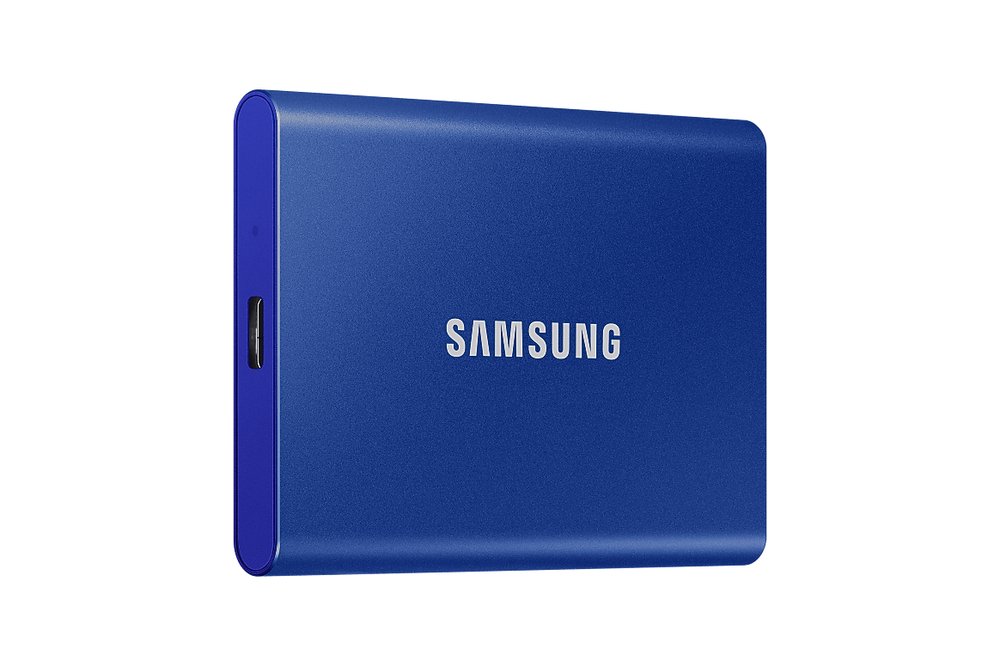
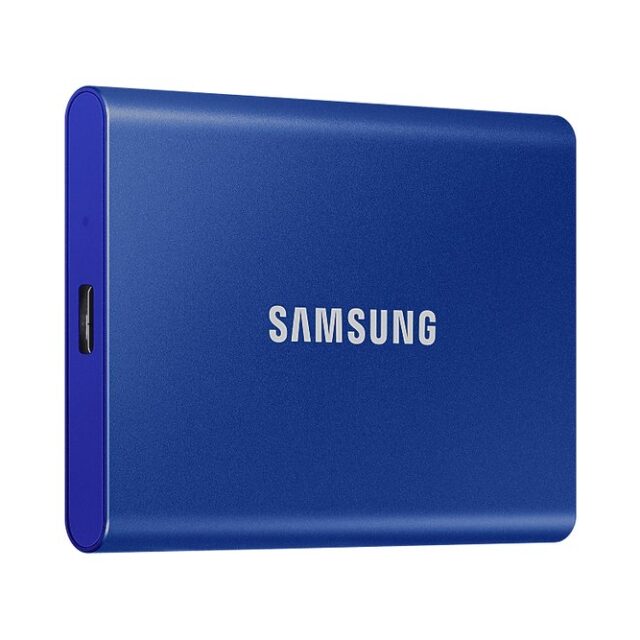
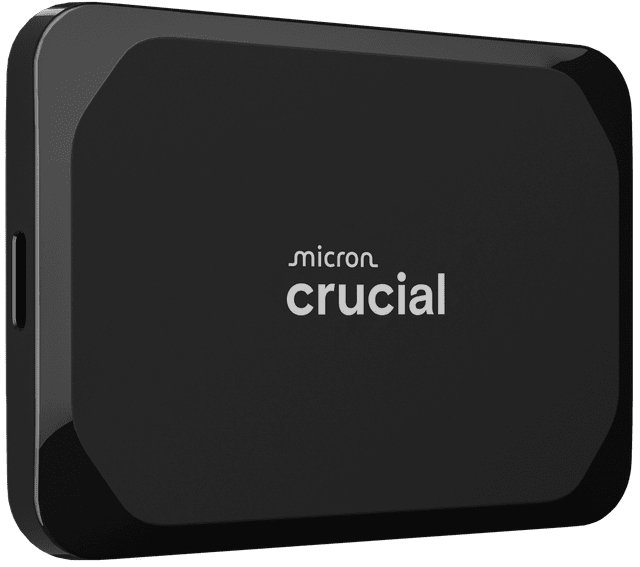
If your console is full and you don’t fancy opening it up, a portable SSD is the easiest fix going. You plug it into a USB port, format it, and you’ve got somewhere to keep games you’re not playing right now. There’s one big catch on both Xbox Series X|S and PS5, though, and this guide explains it in plain English before walking you through the setup.
The catch: storing games isn’t the same as playing them
On both consoles, a USB drive is brilliant for storing current-gen games, but you can’t play them from it:
- Xbox Series X|S: you can play Xbox One, Xbox 360 and original Xbox games straight from a USB drive. Games optimised for Series X|S have to be moved back to the internal storage or an official expansion card first (Xbox Wire, Microsoft).
- PS5: you can play PS4 games straight from a USB drive. PS5 games have to be copied back to console storage (or an M.2 SSD) before you can play them (Sony).
Moving a game from an SSD back to the console is usually much quicker than downloading it again, and it doesn’t eat into your broadband. Think of the drive as a handy games cupboard.
What you’ll need
- A portable SSD. For PS5 it must be between 250GB and 8TB and SuperSpeed USB 5Gbps or faster. For Xbox it must be at least 128GB and USB 3.0 or faster.
- The right cable. The Xbox Series X|S has USB-A ports only, so use a USB-C to USB-A cable if your drive is USB-C.
- Nothing on the drive you want to keep: formatting it for a console wipes it.
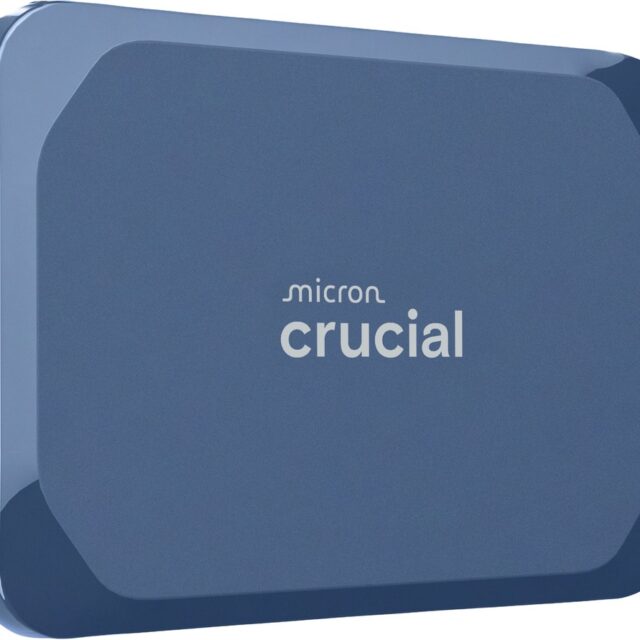
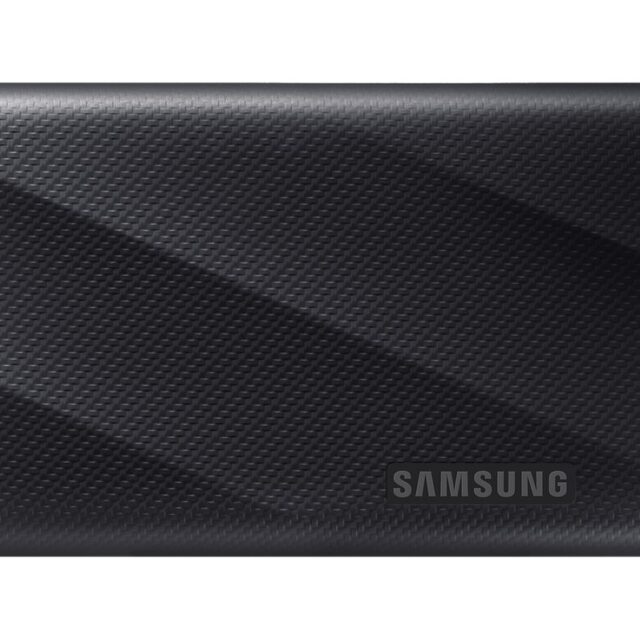
How to set up a portable SSD on Xbox Series X|S
- Switch the console on and plug the SSD into any USB port.
- A pop-up asks how you want to use the drive. Choose Use for games (or the format option).
- Give the drive a name, such as “Games store”.
- When asked where new games should install, choosing Keep current location keeps new Series X|S games on the internal drive, which is where they need to be to play.
- Select Format storage device and wait a moment. Done.
- To move games across, go to Settings > System > Storage devices, pick the internal storage, choose the games you want and select Move or copy. You can change where new games install from the same menu.
How to set up a portable SSD on PS5
- Plug the SSD into a SuperSpeed USB port on the console (not through a USB hub, as Sony says hubs aren’t supported).
- Go to Settings > Storage.
- Select USB Extended Storage > Format as USB Extended Storage. Don’t unplug or switch off while it formats.
- To move games, go to your Game Library, highlight a game, press Options and choose Move Games and Apps.
- To play a PS5 game you’ve stored, find it in the Game Library’s Installed tab, press Options and choose Copy to put it back on console storage.
Tip: before unplugging the drive from a PS5 that’s switched on, go to Settings > Storage > USB Extended Storage > Safely Remove from PS5. Sony warns that just pulling it out can corrupt data.
Want to play Series X|S games from extra storage?
On Xbox, the only way to play current-gen games from extra storage is an official expansion card that slots into the back of the console. Microsoft says these are designed to match the internal SSD’s performance. On PS5, the equivalent is an internal M.2 SSD; see our guide on how to fit an M.2 SSD in a PS5.
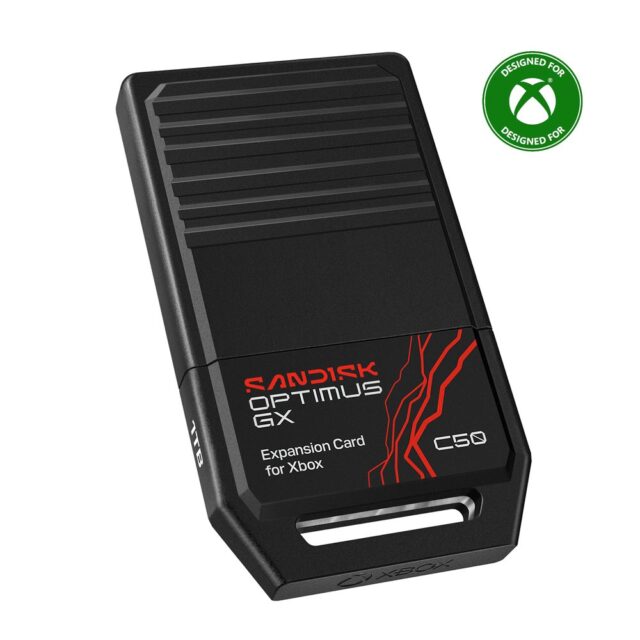
SanDisk Optimus GX C50 1TB Storage Expansion Card for Xbox Series X|S
Officially licensed for Xbox Series X|S, so you can play games straight from it.
Quick FAQ
Can I use the same drive on my PC too?
Not at the same time. Once a console formats the drive, it’s set up for that console. If you want to use it on a PC again, you’ll need to reformat it, which wipes your games.
Is a portable SSD better than a hard drive?
For a console it’s mostly about speed and size: SSDs are quicker to copy games to and from, and much smaller. Hard drives are usually cheaper per terabyte if you just want bulk storage.
How many drives can I use on a PS5?
You can connect more than one, but Sony says you can only use one USB extended storage drive at a time.
Looking at more upgrades? Our RAM and storage upgrades guide compares the options, and our gaming gifts under £50 list has plenty of smaller bits.