As an Amazon Associate, TrueNorth Tech X earns from qualifying purchases. Read our affiliate disclosure.
Xbox Series S vs Series X is the question we get asked most by anyone buying a console this autumn, and since Microsoft’s August price rise it matters more than ever. Both play the same games, both load them fast, and both will run Game Pass. The difference comes down to three things: your TV, whether you still buy discs, and how many big games you want installed at once.
Here we compare the two all-digital models most people are choosing between: the Xbox Series S 512GB and the Xbox Series X 1TB Digital Edition. We haven’t benchmarked them ourselves. Specs come from Xbox’s official UK pages.
Prices checked on 23 Oct 2026. Microsoft’s UK store lists the Series S 512GB at £429.99 and the Series X Digital Edition at £619.99. Retailer and Amazon prices change, sometimes daily, so check the live price before you buy.
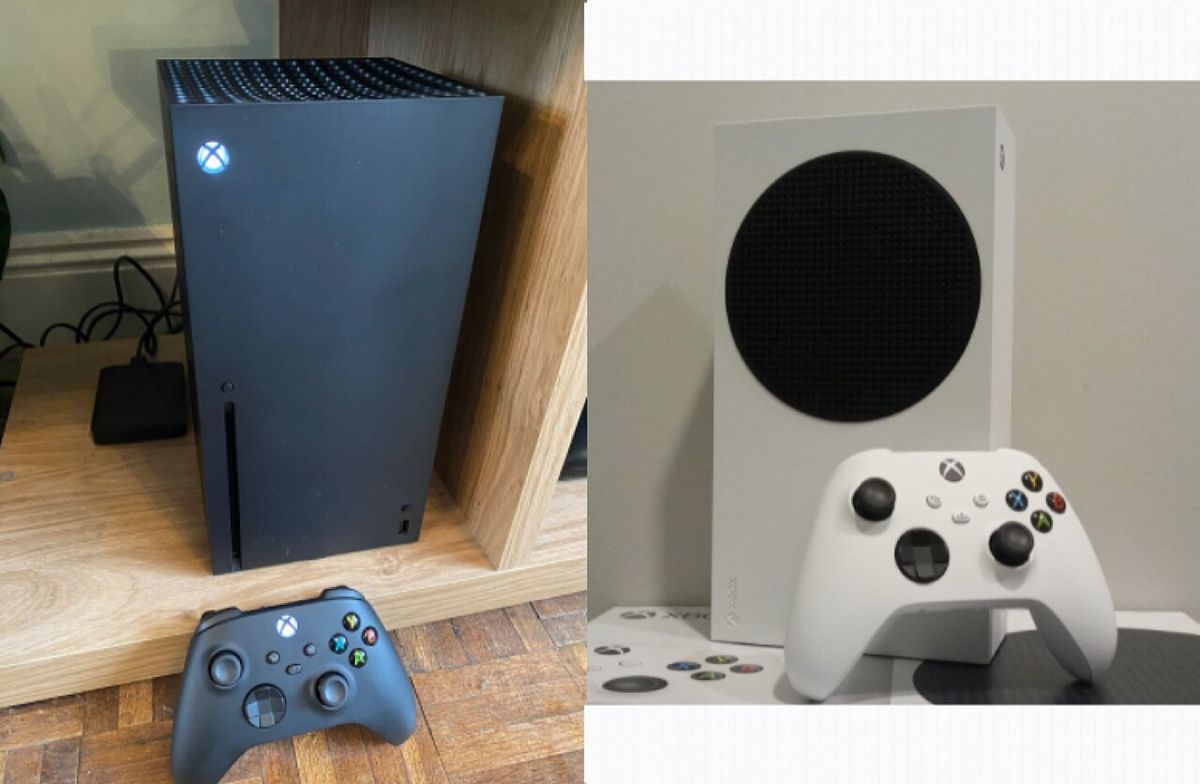
Featured image: Xbox Series X (left) and Xbox Series S. Photo: AsmodeanUnderscore via Wikimedia Commons, CC BY-SA 4.0
Quick picks: Xbox Series S vs Series X
| Pick | Best for | Why | Buy |
|---|---|---|---|
| Xbox Series X 1TB – Digital Edition | 4K TVs and big libraries | True 4K, 12 TFLOPS GPU, 1TB SSD | View on Amazon |
| Xbox Series S – 512GB | 1080p/1440p TVs and tight budgets | Same games, much cheaper, tiny box | View on Amazon |
| SanDisk Optimus GX C50 1TB Storage Expansion Card for Xbox Series X|S | Series S owners who run out of space | Adds 1TB at internal SSD speed | View on Amazon |
Our verdict in one line: if you’ve got a 4K TV, the Series X Digital Edition is worth the extra. If you play on a 1080p or 1440p screen, or you’re buying for a child’s bedroom, the Series S does the job for around £190 less.
Xbox Series S vs Series X: the key specs
| Series S 512GB | Series X 1TB Digital | |
|---|---|---|
| GPU | 4 TFLOPS, 20 CUs | 12 TFLOPS, 52 CUs |
| Memory | 10GB GDDR6 | 16GB GDDR6 |
| Gaming resolution | 1440p (upscales to 4K) | True 4K |
| Frame rate target | Up to 120fps | Up to 120fps |
| Storage | 512GB NVMe SSD | 1TB NVMe SSD |
| Disc drive | No | No |
| Size | 6.5 x 15.1 x 27.5cm | 15.1 x 15.1 x 30.1cm |
| UK price (Microsoft, 23 Oct 2026) | £429.99 | £619.99 |
The CPU is the same in both, so games play the same way: same levels, same online modes, same Quick Resume. What the Series X adds is three times the graphics power, which it spends on sharper resolution and extra detail.
Your TV decides most of this
Xbox says the Series S is designed for 1440p gaming and upscales to 4K, while the Series X targets true 4K. On a 1080p TV or monitor, you’ll struggle to tell them apart in most games. On a big 4K TV, the Series X looks noticeably crisper, and that’s where the extra money goes.
If a 4K TV upgrade is on the cards in the next year or two, factor that in now. Buying a Series S and then wanting a Series X later is the most expensive way to do this.
Storage: the Series S catch
This is where the Series S costs you. Its 512GB SSD sounds reasonable, but part of it is reserved for the system, so the space left for games is noticeably smaller. Modern blockbusters often need 100GB or more each, so a Series S fills up after just a handful of big titles.
There are two fixes. The SanDisk Optimus GX C50 1TB Storage Expansion Card plugs into the back and, according to Xbox, matches the internal SSD’s performance. Or you can use a USB 3.1 external drive, which is cheaper, but Series X|S games have to be moved back to internal storage to play. Our guide to adding storage with a portable SSD walks through it, and our storage upgrades round-up has more options.
The Series X Digital Edition’s 1TB is double the space and will suit most people out of the box.
Discs: neither of these plays them
Both consoles here are all-digital. If you have a stack of Xbox One discs or like buying pre-owned games, you’ll need the standard Series X with its 4K Blu-ray drive, which Microsoft lists at £669.99. If you’re mostly on Game Pass (see what’s arriving in our late October Game Pass round-up), digital-only makes sense.
Total cost: what you’ll really spend
- Light player, 1080p TV: Series S on its own is the cheapest way into current Xbox games.
- Series S plus space: add the 1TB expansion card and the gap to the Series X narrows sharply, though you still won’t get 4K.
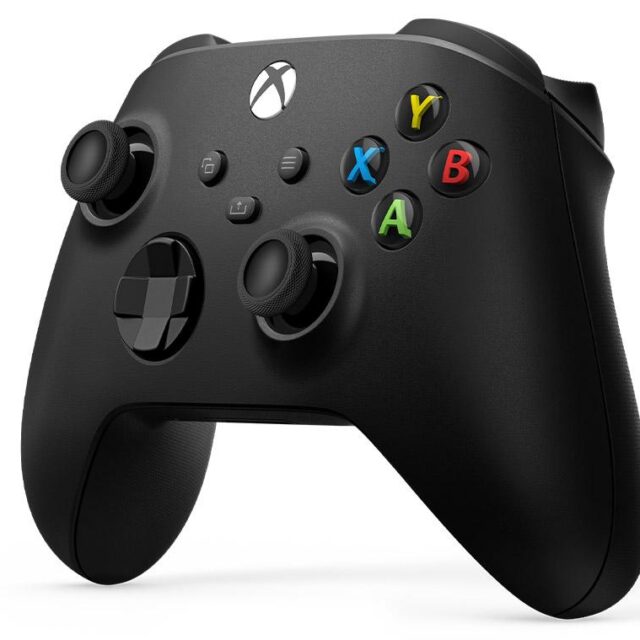
- Series X Digital plus a second pad: a spare Xbox Wireless Controller for local multiplayer. Our standard controller vs Elite Series 2 Core comparison helps if you fancy an upgrade.
Once you add storage, the Series S stops looking quite so cheap, so cost out the whole setup rather than just the box.
FAQ
Can the Series S play the same games as the Series X?
Yes. Both run the same Xbox Series X|S games and thousands of backward-compatible Xbox One, Xbox 360 and original Xbox titles, though digital only on these models.
Is the Series S 512GB worth it?
For a 1080p TV, a younger player or a second console, yes. If you play lots of big games, budget for extra storage.
Do Xbox One controllers and headsets work?
Xbox says most Xbox One controllers and accessories work on Series X|S. For a new headset, see our best gaming headsets for Xbox and PC.
Shop the picks
All of these are in the TrueNorth Tech X shop and link through to Amazon UK.
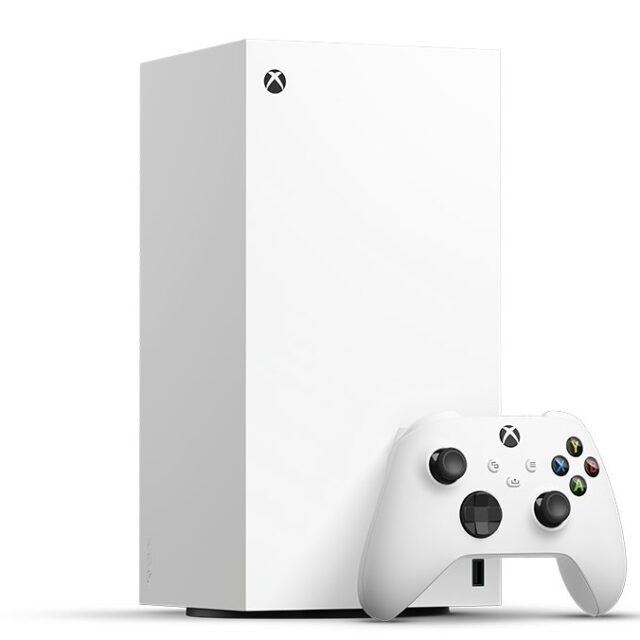
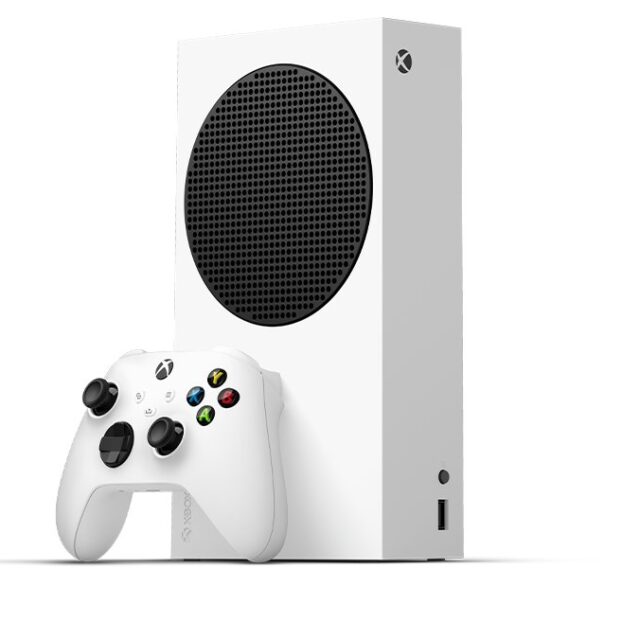
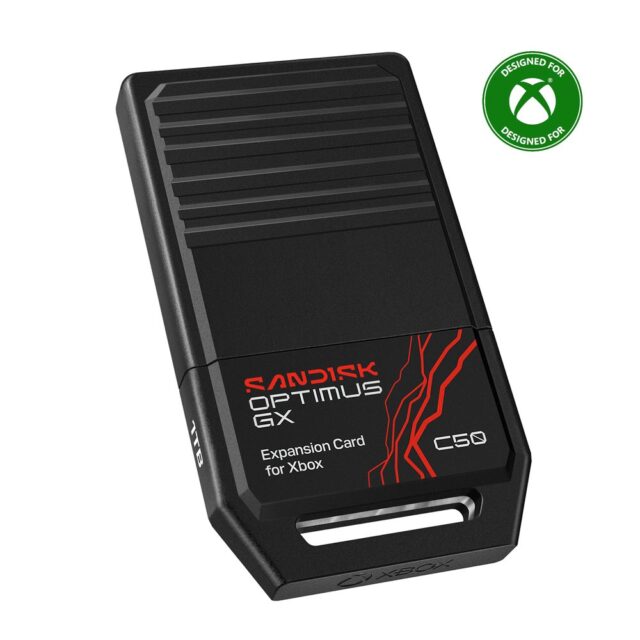
SanDisk Optimus GX C50 1TB Storage Expansion Card for Xbox Series X|S
Adds 1TB to either console at full speed.
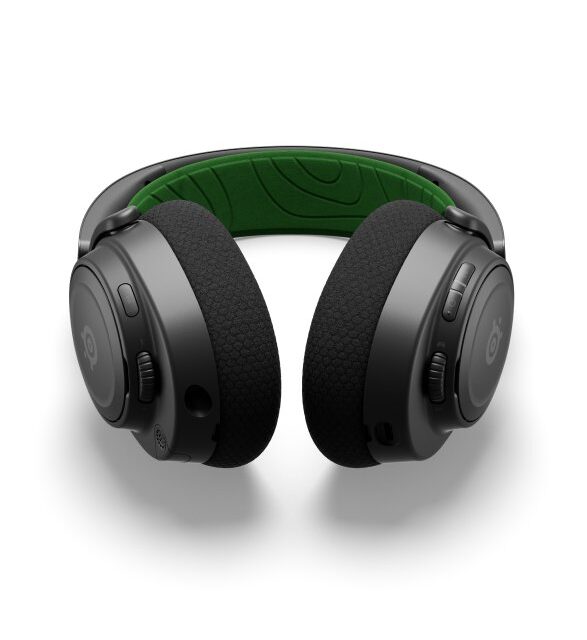
SteelSeries Arctis Nova 7X Wireless Gaming Headset for Xbox – Black
Wireless Xbox headset to finish the setup.
Our recommendation
Buy the Xbox Series X Digital Edition if you play on a 4K TV or want room for lots of big games. It’s the better console, and the extra storage softens the price gap. Buy the Xbox Series S 512GB if you play on a 1080p or 1440p screen, mainly use Game Pass, or are buying for a bedroom. It plays everything, just not as sharply.
Ready to choose? Browse all consoles in our shop or check our latest deals before you buy.