As an Amazon Associate, TrueNorth Tech X earns from qualifying purchases. Read our affiliate disclosure.
Air cooler vs AIO is one of the first big decisions when you build or upgrade a gaming PC. A good tower air cooler is cheap, simple and very hard to break. An all-in-one (AIO) liquid cooler looks cleaner and can handle hotter chips, but it costs more and has more to go wrong. This guide explains the real differences and which type suits which build, with four picks we stock. We haven’t tested these coolers ourselves; the comparison is based on manufacturer specifications and official listings.
Quick picks: air cooler vs AIO
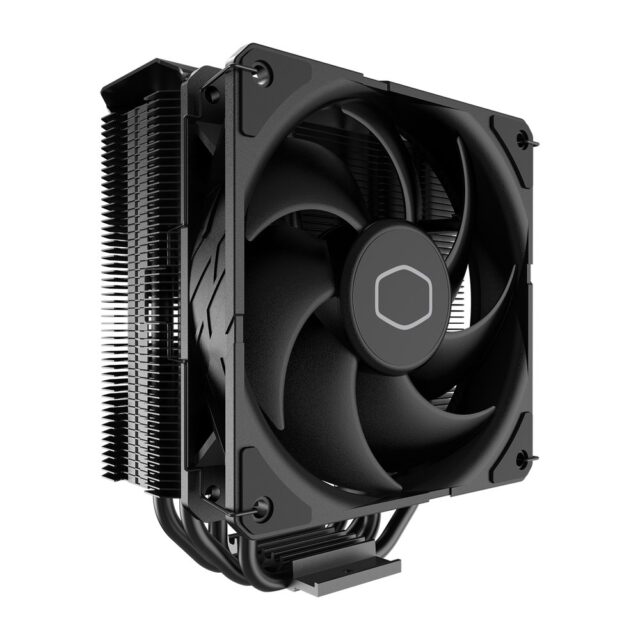
- Best budget air cooler: Cooler Master Hyper 212 Black – check price on Amazon UK | Cooler Master Hyper 212 Black CPU Air Cooler
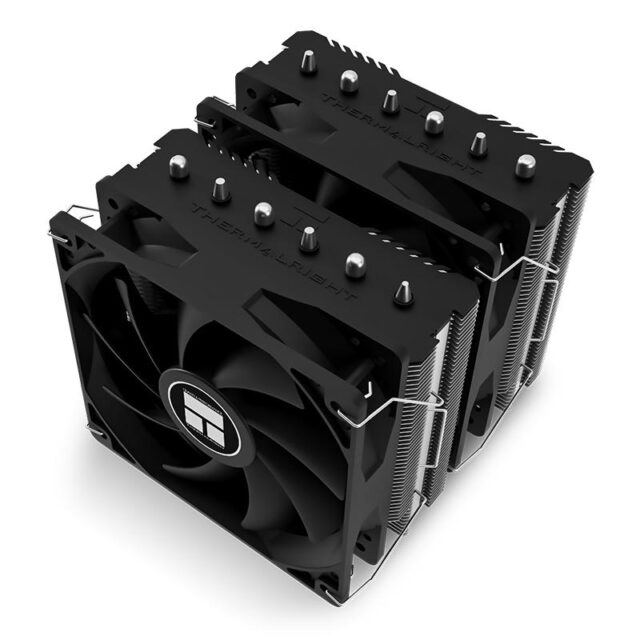
- Best all-round air cooler: Thermalright Peerless Assassin 120 SE – check price on Amazon UK | Thermalright Peerless Assassin 120 SE CPU Air Cooler
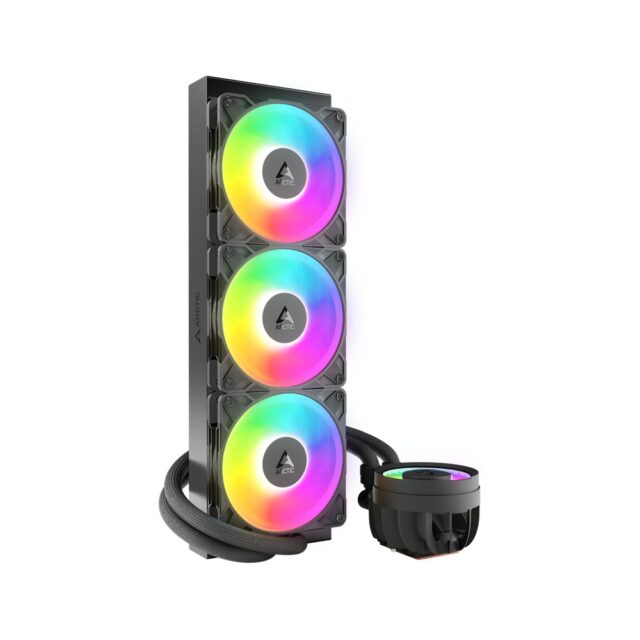
- Best AIO for performance: ARCTIC Liquid Freezer III Pro 360 A-RGB – check price on Amazon UK | ARCTIC Liquid Freezer III Pro 360 A-RGB AIO CPU Cooler – Black
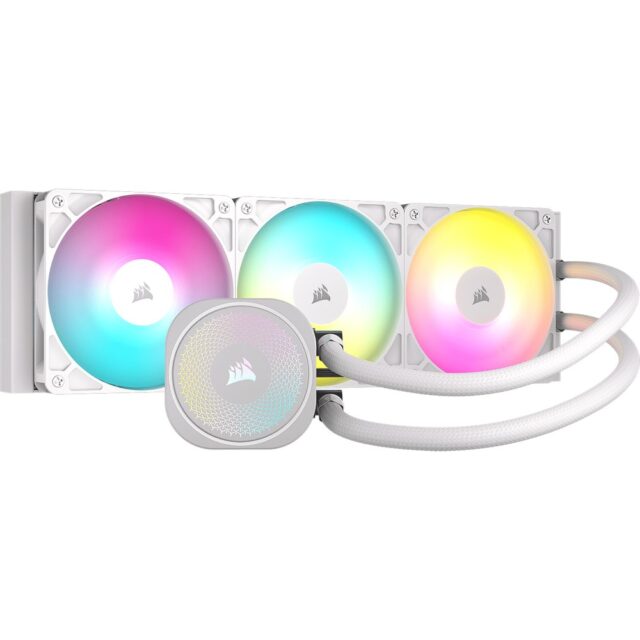
- Best AIO for a white build: Corsair NAUTILUS 360 RS ARGB White – check price on Amazon UK | Corsair NAUTILUS 360 RS ARGB 360mm AIO Liquid CPU Cooler – White
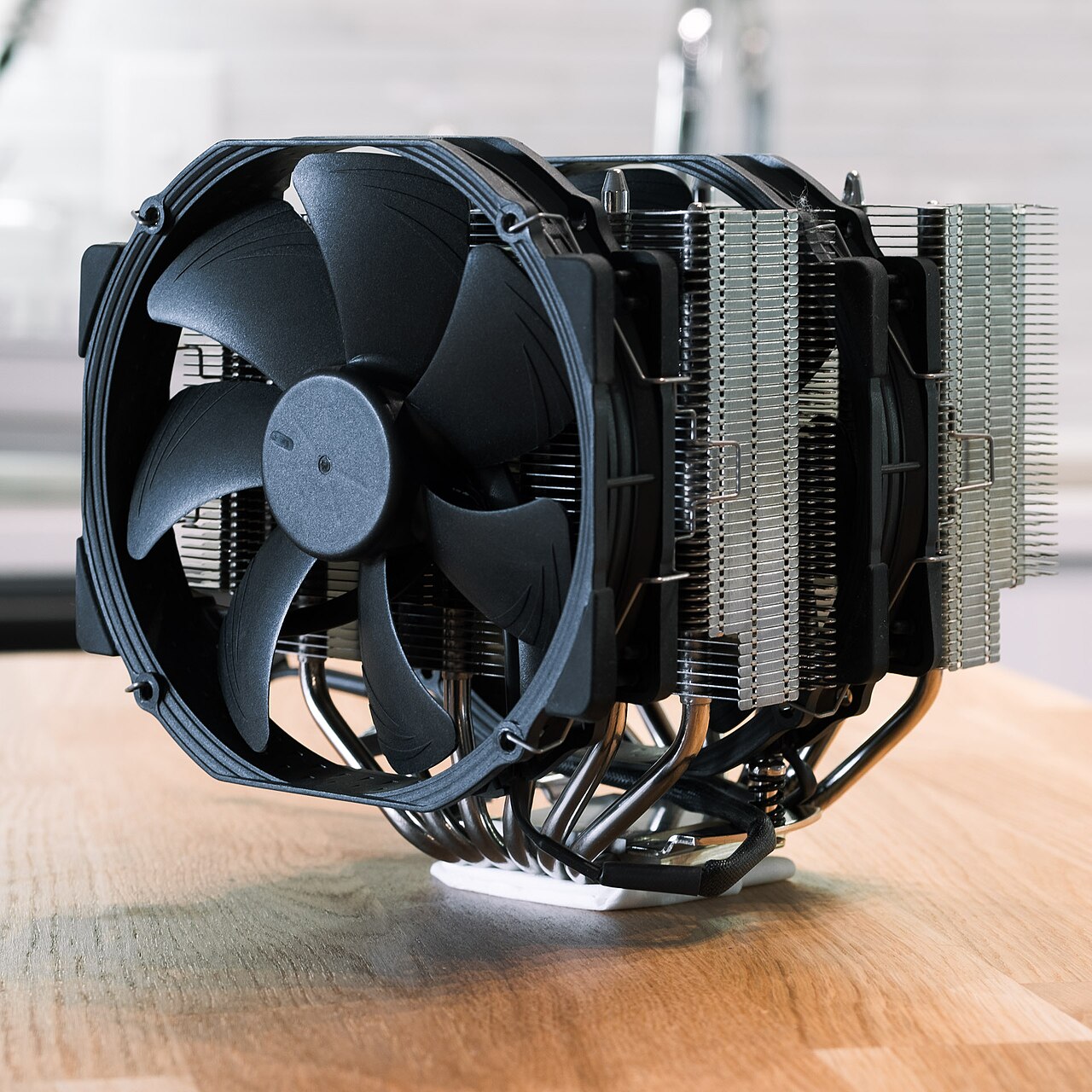
Air cooler vs AIO: the key differences
| Tower air cooler | AIO liquid cooler | |
|---|---|---|
| How it works | Heat pipes carry heat into a metal fin stack, which fans cool | A pump moves coolant from the CPU block to a radiator, which fans cool |
| Moving parts | Fans only | Fans plus a pump |
| Price | Usually cheaper | Usually more expensive |
| Space | Needs case height above the CPU (often around 150mm or more) | Needs room to mount a radiator (360mm for the AIOs here) |
| Looks | Big metal tower over the CPU | Small pump block, cleaner view of the motherboard |
| Lifespan | Very long; fans are cheap to replace | Limited by the pump and coolant; check the warranty |
When an air cooler makes more sense
For most gaming PCs, a decent air cooler is all you need. Games rarely push a CPU as hard as long rendering or encoding jobs do, and a dual-tower cooler handles typical gaming loads comfortably. Air coolers have no pump to fail and no coolant to worry about, so they’re the low-stress choice for a first build. The main things to check are your case’s CPU cooler height limit and whether the cooler clears your RAM.
When an AIO makes more sense
An AIO is worth it if you run a high-power CPU under heavy, sustained loads, want a clean look with lots of space around the socket, or have a compact case where a tall tower won’t fit but a radiator will. A 360mm AIO spreads heat over a large radiator, so it can absorb long spikes better. The trade-offs are cost, a pump that’s one more part that can fail, and the need to mount the radiator sensibly. Front-mounted radiators should have the tubes at the bottom, or the pump should sit below the top of the radiator, so air doesn’t collect in the pump.
The picks
Cooler Master Hyper 212 Black: best budget air cooler
The Hyper 212 has been a go-to budget cooler for years. According to Cooler Master, the Black version has four direct-contact heat pipes, a single 120mm SickleFlow 120 Edge fan and a height of 152mm. It supports AMD AM5/AM4 and Intel LGA 1851/1700 and comes with thermal paste and a two-year warranty. Its single-tower design is a slimmer fit than a dual-tower cooler. Check the price: Cooler Master Hyper 212 Black on Amazon UK.
Thermalright Peerless Assassin 120 SE: best all-round air cooler
The Peerless Assassin 120 SE is a dual-tower cooler with two 120mm fans and six 6mm heat pipes. Thermalright lists a 155mm height, a 25.6dBA fan noise rating and support for AM4/AM5 and Intel LGA 115X/1200/1700/1851. It’s the pick for most gaming builds that want more headroom than a single tower without the cost of an AIO. Check the price: Thermalright Peerless Assassin 120 SE on Amazon UK.
ARCTIC Liquid Freezer III Pro 360 A-RGB: best AIO for performance
ARCTIC’s 360mm AIO uses a thicker-than-usual 38mm radiator, three P12 Pro fans and a PWM-controlled pump. It also has a small VRM fan on the pump block to help cool the motherboard’s power delivery. ARCTIC’s spec sheet lists support for Intel LGA1851/1700 (with a contact frame included) and AMD AM5/AM4, MX-6 thermal paste in the box and a six-year warranty. Check your case has room for the 398mm-long radiator, which is 66mm thick with fans fitted. Check the price: ARCTIC Liquid Freezer III Pro 360 A-RGB on Amazon UK.
Corsair NAUTILUS 360 RS ARGB (White): best AIO for a white build
If you’re building in white, the NAUTILUS 360 RS is a tidy option. Corsair lists three RS120 ARGB fans up to 2,100rpm, a copper cold plate, 450mm tubing and support for Intel LGA 1851/1700 and AMD AM5/AM4. The fans daisy-chain, so you only need one fan header and one ARGB header on your motherboard, and the official listing quotes a five-year warranty. Check the price: Corsair NAUTILUS 360 RS ARGB White on Amazon UK.
Don’t forget the thermal paste
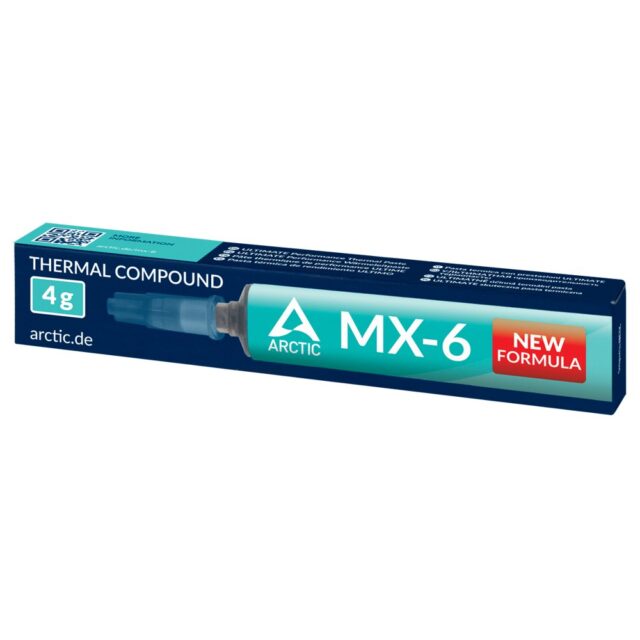
All four coolers include thermal paste, so you don’t need to buy any for a new build. If you’re re-seating an older cooler, a tube of ARCTIC MX-6 Thermal Paste (4 g) is handy to have.
Planning the rest of your build?
Memory and storage are where prices have climbed most this year, so read our RAM and storage upgrades guide and our report on why memory and SSD prices are still rising before you buy. For the desk side of things, see our Logitech G213 vs SteelSeries Apex 3 TKL keyboard comparison. You can browse all our coolers in the CPUs & Cooling section of the shop, and keep an eye on the deals hub for November offers.
Our recommendation
For most UK gamers, an air cooler is the sensible choice. The Thermalright Peerless Assassin 120 SE is the one we’d point most people to. It’s a dual-tower cooler with two fans and no pump to worry about. If money’s tight or your case is narrow, the Hyper 212 Black does the basics well. Go for an AIO only if you run a hot, high-power CPU hard for long periods, or you want the clean look and have room for a 360mm radiator. In that case, the ARCTIC Liquid Freezer III Pro 360 is the performance pick and the Corsair NAUTILUS 360 RS suits a white build. As we’d say in Wakefield, don’t pay for cooling you’ll never use.
Ready to choose? Pick up the Peerless Assassin 120 SE from our shop, or compare every CPU cooler we stock.
Shop the picks
These are available in the TrueNorth Tech X shop: