As an Amazon Associate, TrueNorth Tech X earns from qualifying purchases. Read our affiliate disclosure.
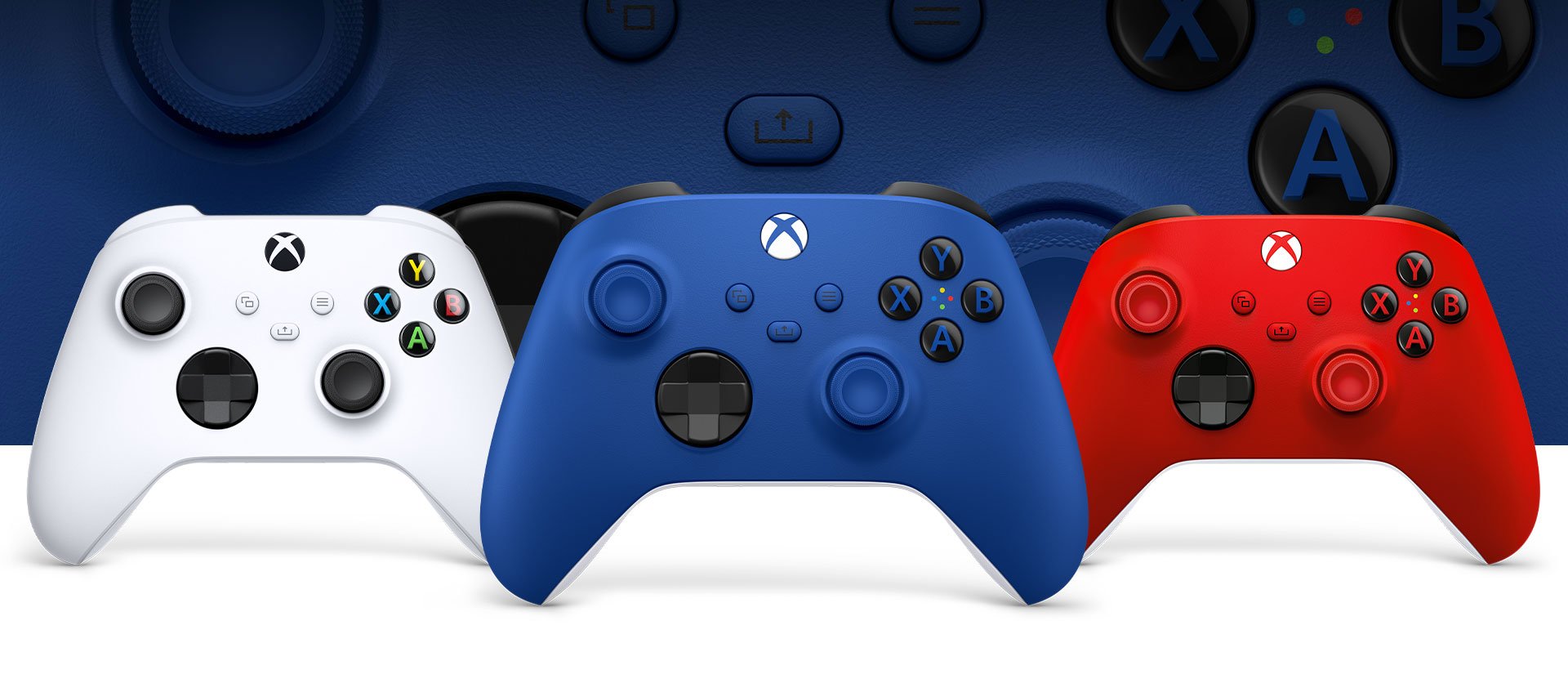
If you play on an Xbox or a Windows PC, sooner or later you’ll ask yourself whether it’s worth paying more for a better controller. Microsoft makes two main options: the standard Xbox Wireless Controller, and the Xbox Elite Wireless Controller Series 2 – Core. One costs roughly £50, the other over twice that.
This isn’t a hands-on review. It’s a side-by-side guide based on Microsoft’s official specifications and current UK retail listings, to help you work out which one actually suits the way you play.
Prices checked on 20 Oct 2026. Amazon prices change, sometimes daily, so check the live price before you buy.
| Product | Key spec | UK price at time of writing | Best for | Link |
|---|---|---|---|---|
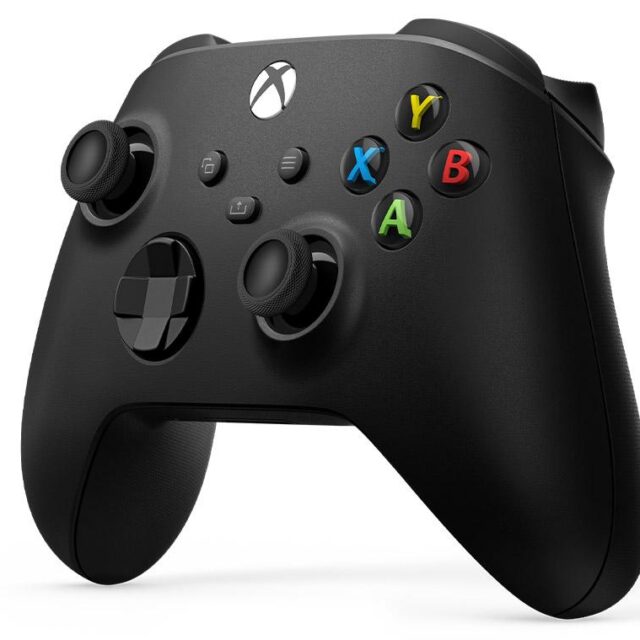
| Xbox Wireless Controller | Works with Xbox Series X|S, Xbox One, Windows 10/11, Android, iOS; Xbox Wireless, Bluetooth, USB-C; AA batteries, up to 40 hours; standard thumbsticks; textured triggers and bumpers; textured grip on triggers, bumpers and back case; button mapping via Xbox Accessories app; profiles saved via the app; 3.5mm headset jack | Check price | Most Xbox and PC players | View in our shop |
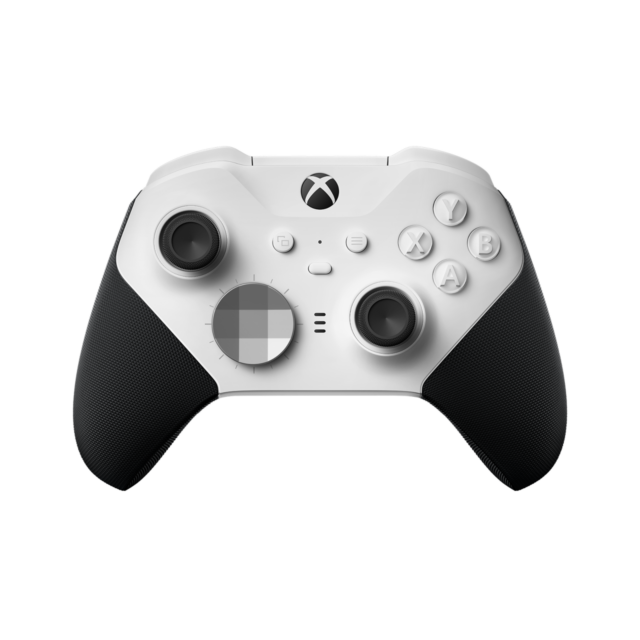
| Xbox Elite Series 2 – Core | Works with Xbox Series X|S, Xbox One, Windows PC, Android and iOS via Bluetooth; Xbox Wireless, Bluetooth, included USB-C cable; internal rechargeable battery, up to 40 hours per charge; adjustable-tension thumbsticks, 3 settings (tool included); shorter hair trigger locks; wrap-around rubberised grip; button mapping via Xbox Accessories app; up to 3 profiles saved on the controller, switchable on the fly; 3.5mm headset jack | Check price | Players who’ll use the pro extras | View in our shop |
The quick answer
- Most people: the standard Xbox Wireless Controller is the one to buy. It works on Xbox, PC and mobile, and it covers everything most players need.
- Competitive players and long-session gamers: the Xbox Elite Series 2 – Core adds adjustable thumbsticks, trigger locks, a rubberised grip, a built-in rechargeable battery and on-controller profiles. Those are genuinely useful extras, but only if you’ll use them.
Price
At the time of writing, Amazon UK lists the Xbox Wireless Controller in Carbon Black at £49.99 (against an RRP of £59.99), and the Elite Series 2 – Core in White at £109.99. Currys also lists the Elite Core at £109.99. Prices move around a lot, especially in the run-up to Black Friday, so it’s worth checking before you buy.
Side-by-side: what the specs say
Battery life figures are Microsoft’s own and, as it notes, vary with headsets, accessories and how you play. Sources: Microsoft’s official pages for the Xbox Wireless Controller and the Elite Series 2 – Core.
What the Elite extras actually do
It’s easy to see a list of “pro” features and assume you need them. Here’s what each one is for in plain English:
- Adjustable-tension thumbsticks. You can make the sticks stiffer or looser across three settings. Stiffer sticks can help with fine aiming in shooters. Looser ones suit fast movement. If you’ve never felt your sticks were “wrong”, you may not notice much difference.
- Hair trigger locks. These shorten how far the triggers travel. In a shooter, that means a shot fires sooner. In a racing game, you’d usually want the full travel for smooth throttle and braking, which is why it’s a switch rather than a fixed feature.
- Rubberised grip. Helps in long sessions, especially if your hands get warm.
- On-controller profiles. Save up to three button layouts and swap between them with a button press. Handy if you play very different games, or share the controller with someone who likes a different setup.
- Rechargeable battery. No more hunting for AAs. Just plug in the USB-C cable.
“Core” means fewer bits in the box
This catches people out. The Core edition includes “just the components you need”, according to Microsoft. Retail listings show it comes with the controller, a USB-C cable and a thumbstick-adjustment tool. The rear paddles that many people associate with the Elite aren’t listed in the Core box. Microsoft sells additional components separately in its Complete Component Pack, so if paddles are the main reason you’re interested, factor that extra cost in.
Which should you buy?
Choose the standard Xbox Wireless Controller if:
- You play a mix of games casually, or with family on the sofa.
- You need a second or third controller for local co-op.
- You want to play on PC or phone as well as the console without spending much.
- You don’t mind AA batteries, or you’re happy to add a rechargeable battery pack.
Choose the Elite Series 2 – Core if:
- You play online shooters or competitive games and want finer control over aim and triggers.
- You play for long stretches and want a grippier, rechargeable controller.
- You switch between very different games and would use saved profiles.
- You’re happy to spend over £100, and possibly more for the component pack later.
Practical tips, whichever you choose
- Download the Xbox Accessories app. Both controllers support button mapping through it on Xbox Series X|S, Xbox One and Windows 10/11. It’s free, and it’s worth five minutes to set up.
- Use USB-C on PC if Bluetooth is flaky. Both connect wirelessly to Windows PCs over Bluetooth, but a cable is the simplest fix for dropouts.
- Keep firmware up to date. Your console or the Accessories app will prompt you, and updates can fix connection niggles.
- Buy from a reputable retailer. Popular controllers are a target for fakes, so stick to well-known shops and official listings.
Shop the picks
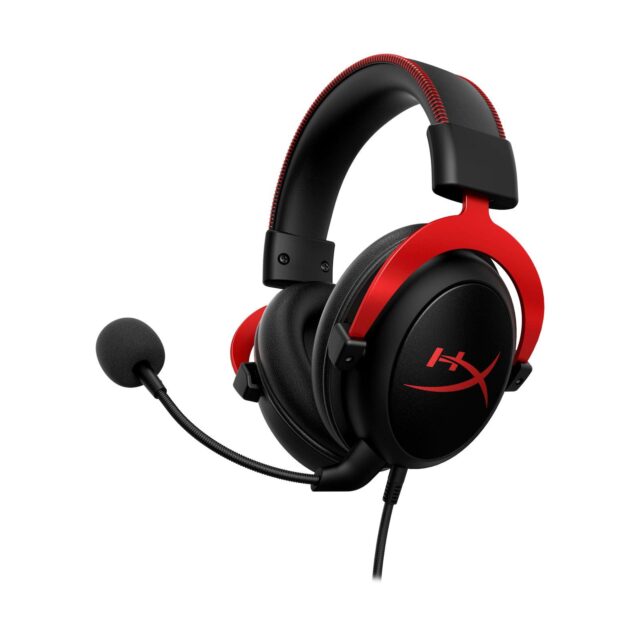
Both controllers are in the TrueNorth Tech X shop, along with a headset to go with them:
Choosing a headset too? Take our 60-second headset quiz.
Not sure which suits you, or want help getting a controller working with your PC? Pop in or get in touch with us in Wakefield and we’ll point you in the right direction.
Featured image: Xbox / Microsoft
[…] controller’s battery drains a bit faster. Rechargeable packs are worth considering, and our Xbox Wireless Controller vs Elite Series 2 Core guide covers which controller to pair it with. If your console is getting full of games to play with your […]
[…] if it’s your controller that’s worn out rather than your storage, our Xbox Wireless Controller vs Elite Series 2 Core comparison might be the cheaper […]
[…] and Apple devices rather than Windows. If you’re weighing up a more premium Xbox pad, our Xbox Wireless Controller vs Elite Series 2 Core comparison covers the […]