As an Amazon Associate, TrueNorth Tech X earns from qualifying purchases. Read our affiliate disclosure.
Amazon prices change often — check the live listing before you buy.
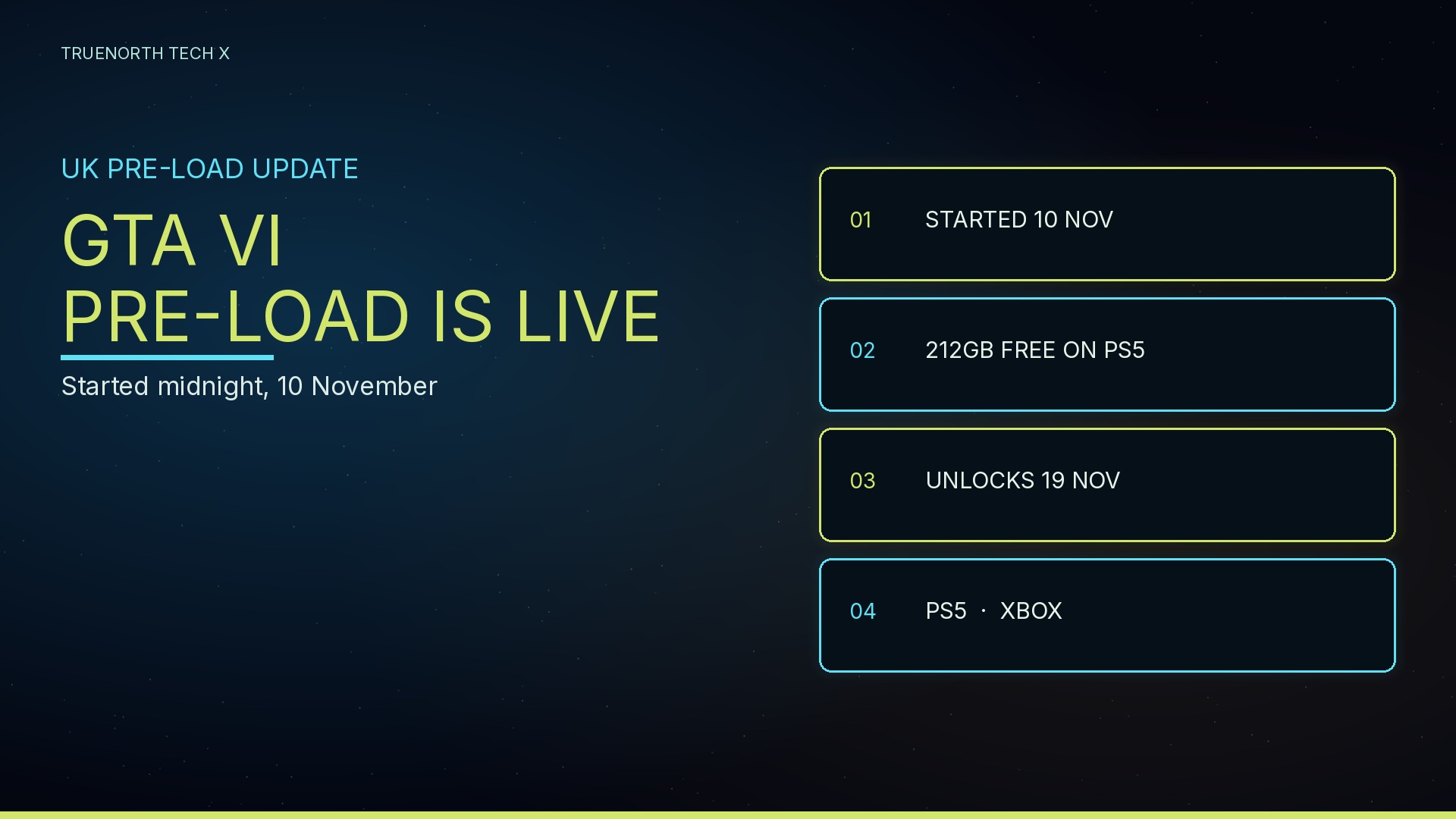
The Grand Theft Auto VI pre-load is live in the UK. You do not need to wait until launch night to start the download. PlayStation’s official UK support page says pre-load started at midnight local time on 10 November 2026, and Rockstar’s Pre-Load Now page, dated 10 November, still says pre-loading is now available for everyone who has pre-ordered. In the UK, that start time was 00:00 on Tuesday 10 November (GMT). If you have not begun it yet, now is the time.
When it started, and when it unlocks
On PS5, PlayStation says the pre-load opened at midnight local time on 10 November. That is the same as 00:00 UK time, because Britain is on GMT in November. The same support page says the game itself releases at midnight local time on 19 November 2026 on PlayStation 5 consoles — 00:00 UK on Thursday 19 November. Pre-loading only downloads the files; it does not unlock early play.
Rockstar’s pre-load page is written for anyone who has pre-ordered, and it also links the Xbox Series X|S store alongside PlayStation. We could not load Rockstar’s support article while writing this (the page timed out), so we are not repeating an official Xbox start-time from that article. Given Rockstar’s “now available” wording, and that it is 15 November, Xbox digital pre-orders should also be able to download now. If your Xbox still shows nothing, check the pre-order is on the account you are signed into.
Storage: PlayStation’s 212GB figure, re-checked
PlayStation’s UK support page still says to ensure you have 212GB of storage space available. That official figure is unchanged. On the two official pages we could load, we did not find a matching Xbox storage number, so we are not inventing one. To check free space on PS5, PlayStation says go to Settings, then Storage. If you need to add capacity, our earlier guide to GTA VI’s 212GB install and SSD upgrades walks through the options.
How to start the pre-load
On PS5, these steps come from PlayStation’s UK support page:
- Confirm the pre-order: sign in, open your avatar menu and check Order History.
- If you have a physical (code-in-box) copy, redeem the code from the same menu. PlayStation says the box contains a download code only — there is no disc.
- Turn on auto-download: from the home screen, go to Game Library, then Your Collection, select your GTA VI pre-order, select the countdown timer and tick the checkbox so auto-download is enabled.
- Keep the console online in rest mode: Settings > System > Power Saving > Features Available in Rest Mode, and turn on Stay Connected to the Internet. Then put the console into rest mode from the control centre (Power > Enter Rest Mode) so the download can continue.
- To check it has started, open the pre-order from Game Library again and select the timer. If it has not begun, PlayStation says you can start the download manually from there. If it appears under Downloads/Uploads but is stuck, try Pause then Resume; if that fails, cancel and delete the download and enable auto-download again. Sign in to the account that holds the pre-order, stay online, and keep 212GB free.
On Xbox Series X|S, we do not have official menu-by-menu steps from a page we could load today. Rockstar says pre-loading is now available to everyone who has pre-ordered, and the same official page points to the Xbox store. Open the pre-order from your Xbox library (My games & apps is the usual place), start or resume the install if it is waiting, keep the console connected to the internet, and leave enough free storage. If the download will not start, use Xbox’s own install help rather than a set of steps we have not verified.
Update 1.002, and launch night
A first update, labelled 1.002, has been reported since 13 November on pre-loaded PS5 copies. Whether that update is mandatory, and whether it is on Xbox as well as PS5, remains unconfirmed: those claims come from outlet reports, not from a Rockstar statement we have in front of us. We cover what is confirmed, what is not, and how to check the update in our launch-night checklist (live Monday afternoon). Leave the pre-load running first; the update sits on top of it.
If you still need the game or more storage
If you have not pre-ordered yet, Rockstar’s own pre-load page says now is the time, so you are ready for 19 November. We do not have a verified Amazon ASIN for the game itself, so these are search links: Grand Theft Auto VI on PS5 — Check price on Amazon — and on Xbox Series X|S — Check price on Amazon.
If the 212GB requirement leaves you short on a PS5, one option we have already listed is a PS5-compatible Crucial P310 2TB M.2 with a heatsink in the box — Check price on Amazon. For Xbox, we do not have a verified expansion-card ASIN, so here is a search for Xbox Series storage expansion cards: Check price on Amazon. No typed prices; check the live listing. More context is in our 212GB SSD guide.
FAQ
Is the GTA VI pre-load live in the UK now?
Yes. PlayStation’s UK support page says pre-load started at midnight local time on 10 November 2026. Rockstar’s official Pre-Load Now page, dated 10 November, still says pre-loading is now available for everyone who has pre-ordered. In the UK, that start time was 00:00 on Tuesday 10 November (GMT). Today is 15 November, so you can start or finish the download now.
How much storage does the GTA VI pre-load need?
PlayStation’s official UK support page says to make sure you have 212GB of storage space available for the PS5 pre-load. We have not independently confirmed a matching official Xbox figure on the pages we could load. If you are short on space, see our guide to the 212GB install and SSD upgrades.
When does GTA VI unlock in the UK?
PlayStation’s UK support page says the game releases at midnight local time on 19 November 2026 on PS5. In the UK, that is 00:00 on Thursday 19 November (GMT). Pre-loading does not let you play early. Our launch-night checklist, covering update 1.002, goes live on Monday afternoon.
Enjoyed this? Follow along for more guides and deals. More guidesXInstagramFacebookWhatsAppTelegram