Some links are affiliate links. They help cover our hosting and upkeep, at no extra cost to you. Read our affiliate disclosure.
Prices change often and can’t be guaranteed — check the retailer before you buy.
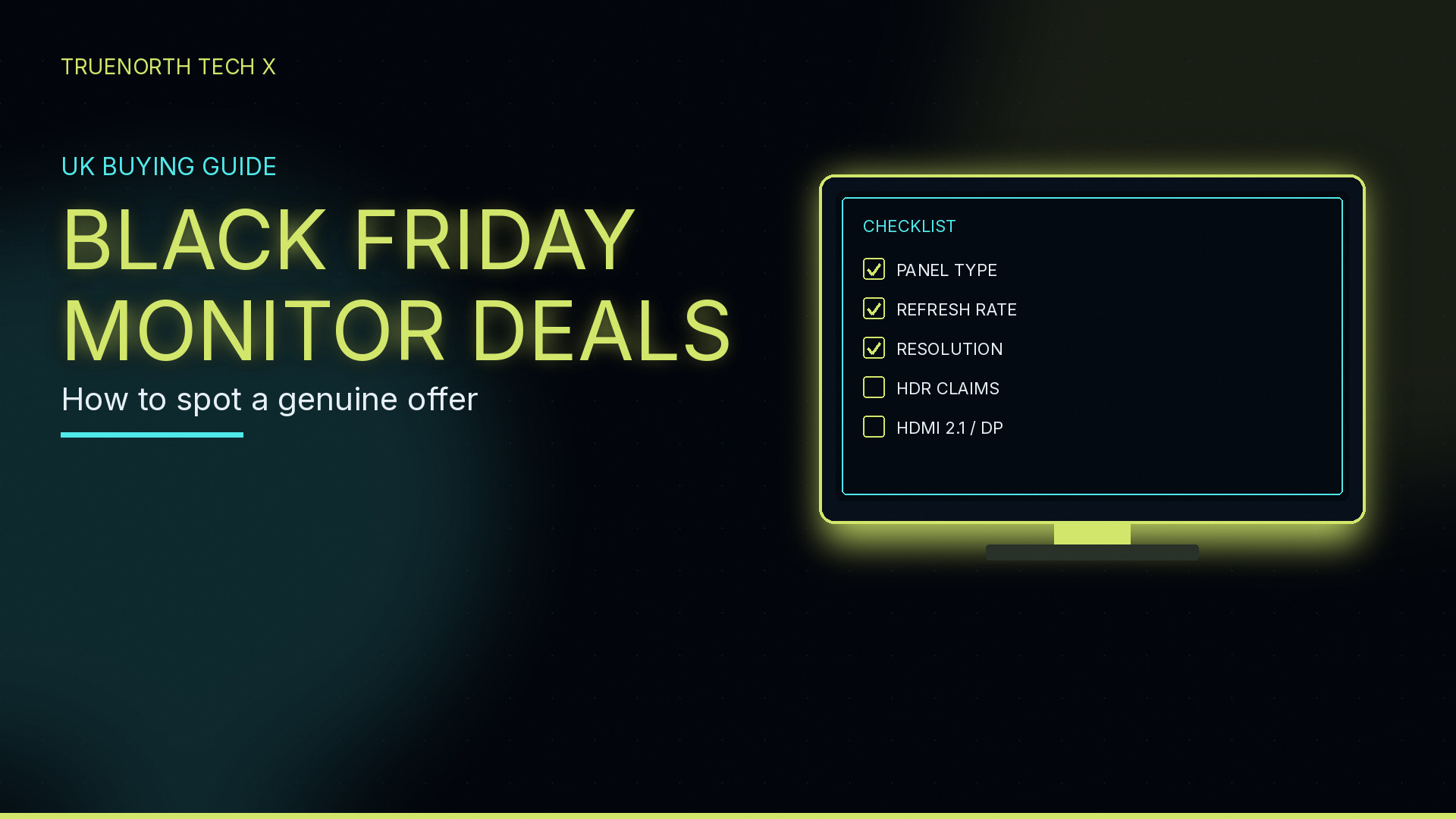
If you’re hunting a Black Friday monitor deal, the hard part isn’t finding a red price. It’s telling a genuine cut from a screen that’s been dressed up with a flashy “was” figure, a vague HDR badge or a port list that doesn’t actually do what you need. This UK checklist is for running down a listing: panel type, refresh rate, resolution, HDR claims and connections such as HDMI 2.1 or DisplayPort. It isn’t a hands-on test of one monitor.
Current shortlists live on the Black Friday tech deals hub, and pre-built PCs (sometimes bundled with a cheap panel — read that spec twice) are on our gaming PC deals page. If you want help choosing a resolution, see 4K vs 1440p for PC gaming. For a console-led 4K screen, there’s best 4K monitor for PS5 UK. And if the “deal” is actually a whole PC, use our Black Friday gaming PC checklist.
Quick picks
Use these as a first pass, then read the checklist below before you buy. The examples are listings from our Black Friday hub and shop, not panels we’ve put through a test bench.
- A 4K screen with HDMI 2.1 actually named: the MSI MAG 322URDF E16 is listed on the hub as a 31.5-inch 4K Rapid IPS panel, 160Hz, 0.5ms, with two HDMI 2.1 ports, DisplayPort 1.4a and HDR400. That combination is the sort of listing to start with if you want 4K from a PC or a current console. Check price at Box.
- A high-refresh 1440p OLED example: the AOC Q27G4SDR is listed as a 27-inch QD-OLED QHD screen at 360Hz, 0.03ms, with two HDMI 2.1 ports and G-Sync compatibility. OLED deals can look dramatic; still check the live price against recent selling prices, and read the warranty. Check price at Box.
- A budget 1080p high-refresh example: the AOC 24G4XED is listed as a 24-inch Full HD 180Hz IPS panel with 1ms GtG, HDR10, two HDMI 2.0 ports and DisplayPort 1.4. HDMI 2.0 is usually enough at 1080p; it is not HDMI 2.1. Check price.
- Then check the live price against recent selling prices, not only the strikethrough. On Stormforce, the MSI MAG 255F E20 is listed as a 24.5-inch Full HD 200Hz screen — a useful high-refresh 1080p comparison — while the Cooler Master GA2701S is listed as a 27-inch Full HD IPS 100Hz panel. Same “gaming monitor” label, very different refresh rates. See the 255F at Stormforce.
The specs that actually matter
Ignore the RGB stand and the “immersive” marketing. Work through the listing in this order.
Panel type. The panel is the screen. IPS is the usual all-rounder for colour and viewing angles; VA is often used on bigger or curved “gaming” sets and can look punchier in contrast, with some trade-offs in motion; OLED (including QD-OLED) can offer very fast response and deep blacks, and it usually costs more. The listing should name the technology. If it only says “LED monitor” or “gaming panel”, treat that as a question to settle before you pay.
Refresh rate. This is how many times the picture can update each second, in hertz. 60Hz is fine for office work and looks dated for fast games; 144Hz and up is the usual gaming starting point; 180Hz, 200Hz and beyond is what a lot of 1080p and 1440p sale screens now advertise. A 27-inch “gaming” monitor at 100Hz, like the Cooler Master listing above, is not the same product as a 180Hz or 200Hz screen. Your GPU or console also has to be able to feed that rate, or you’re paying for headroom you won’t use.
Resolution and size. 1080p (Full HD) on 24 or 25 inches is the budget and esports path. 1440p (QHD) on 27 inches is the usual sweet spot for a current gaming PC. 4K on a 32-inch class screen, as on the MSI hub listing, needs a strong GPU or a console that can output 4K at a decent rate. Don’t compare a 24-inch 1080p deal with a 32-inch 4K deal as if they were the same item. Our 4K vs 1440p guide is the better place to settle the resolution question.
HDR claims. HDR10, HDR400, HDR600 and similar labels get slapped on a lot of sale screens. They mean the monitor can accept an HDR signal; they do not automatically mean bright, convincing HDR. HDR400, as listed on the MSI 322URDF E16, is a modest standard. If the only evidence is a logo and no peak-brightness or standard name, don’t pay a premium for it.
Ports: HDMI 2.1 and DisplayPort. Read the version, not just “HDMI”. HDMI 2.1 is what you want for 4K at 120Hz from a current PlayStation or Xbox. HDMI 2.0 is often plenty for 1080p at a high refresh rate — that’s what the AOC 24G4XED listing has, alongside DisplayPort 1.4 — but it will not do the same 4K 120Hz job. For a PC, DisplayPort is usually the more flexible link. We unpack the choice in HDMI 2.1 vs DisplayPort for gaming.
Adaptive sync, warranty and stand. Look for a named Adaptive Sync, FreeSync or G-Sync compatible note if you care about tearing, plus a UK warranty and a stand (or VESA mount) you’ll actually use. A height-adjustable stand is worth more than another RGB ring on the back.
The traps to avoid
A “was” price that never was. A huge strikethrough is not a deal. Look at whether that monitor, or a very close spec, has been sitting at the “sale” price for weeks. If the only evidence of a discount is the retailer’s own “was” figure, keep walking.
Vague refresh-rate language. “High refresh rate” without a number is not a spec. Confirm the exact hertz on the live page. Some listings, including thinner shop pages, only say “high refresh rate” and leave you to hunt the real figure.
HDR in name only. An HDR10 tick-box on a dim, budget 1080p panel is not the same as a bright HDR screen. Price the monitor on panel, resolution and refresh first; treat HDR as a bonus only if the standard is named and you’re not paying extra for the logo.
The wrong port for the job. Buying a 4K 160Hz “console ready” screen that only has HDMI 2.0 is a classic miss. So is assuming DisplayPort and HDMI are interchangeable at every resolution and frame rate. Read the version printed in the listing.
A cheap 60Hz panel bundled with a PC. Pre-built deals sometimes add a basic screen so the package looks generous. Price the PC on its own merits with our gaming PC checklist, then decide if the monitor would survive on its own.
How to compare against normal prices
A good Black Friday monitor deal is one that undercuts what that spec has actually been selling for, not what a poster says it used to cost. Compare the same size, resolution, panel type and refresh rate. A 27-inch 1440p 180Hz IPS is not the same product as a 32-inch 4K 160Hz screen, and an OLED should be compared with other OLEDs, not with a budget VA panel.
Use more than one shop, including the Black Friday hub (Box.co.uk and Amazon listings are both linked there, and Stormforce screens sit in our shop). Check whether the model has been at today’s figure outside the sale. We don’t print a live pound figure here, because prices move and they can’t be guaranteed — check the retailer before you buy.
Where to buy in the UK
Specialist stores such as Overclockers UK, Scan and Currys are worth checking for monitors and PC parts, alongside the Box and Stormforce listings we already link from the deals pages. Compare price, delivery, stock and returns before you buy.
Verdict
Our view from listings, not hands-on testing. A genuinely good Black Friday monitor deal is one you’d still want if the sticker was written in black. Start with a named panel, a refresh rate that matches how you play, the right resolution for your GPU or console, honest HDR wording and the correct HDMI or DisplayPort version, then compare the live price with what that spec usually sells for. The MSI 4K 160Hz Box listing is a fair example of a screen that actually names HDMI 2.1; the AOC QD-OLED is a high-refresh 1440p example; the AOC 24G4XED is a budget 1080p example (check those HDMI 2.0 ports). Walk away from mystery panels, “high refresh” with no number, HDR logos with no standard, and “was” prices that don’t match recent selling prices. Read how we test. Live shortlists: the Black Friday hub and gaming PC deals.
Related: 4K vs 1440p monitors, best 4K monitor for PS5 UK, HDMI 2.1 vs DisplayPort, and how to spot a good Black Friday gaming PC deal.
FAQ
How do I tell if a Black Friday monitor deal is actually good?
Read the exact panel type, resolution, refresh rate and ports, then compare the live price with what that sort of screen has actually been selling for — not the retailer’s strikethrough. A named panel (IPS, VA, OLED and so on), a refresh rate that matches how you play, and the right HDMI or DisplayPort version are a healthier starting point than a big red badge.
What refresh rate and resolution should I buy?
For a 1080p esports-style desk, a high-refresh 24- or 25-inch panel is often enough. 1440p on 27 inches is the usual sweet spot for a modern gaming PC. 4K is worth it if your GPU or console can feed it and the monitor actually has HDMI 2.1 or a fast DisplayPort link. We have a separate 4K vs 1440p guide if you want to go deeper.
Should I trust HDR on a sale monitor?
Treat HDR as a claim to check, not a feature you assume is good. A label such as HDR10 or HDR400 means the screen can accept an HDR signal; it does not automatically mean bright, convincing HDR. If the listing will not name the standard, treat that as a warning.
Do I need HDMI 2.1 or DisplayPort?
For a PC, DisplayPort is usually the most flexible link. HDMI 2.1 matters more if you want 4K at 120Hz from a console. HDMI 2.0 is often fine for 1080p at a high refresh rate, but it is not the same port. Confirm the version printed in the spec sheet, not a vague ‘HDMI’ line.
Where do you keep current UK monitor and PC deals?
On our Black Friday tech deals hub, with pre-built PCs on the gaming PC deals page. Prices change, so check the retailer before you buy.
Enjoyed this? Follow along for more guides and deals. More guidesXInstagramFacebookWhatsAppTelegram