As an Amazon Associate, TrueNorth Tech X earns from qualifying purchases. Read our affiliate disclosure.
If you’ve spent any time looking for a decent gaming mouse without spending a fortune, three names keep coming up: the Logitech G305 LIGHTSPEED, the Logitech G502 HERO and the Razer Basilisk V3. All three sit in the £30 to £40 bracket on Amazon UK at the time of writing, all three have years of owner reviews behind them, and all three do a very different job. This is a researched comparison built from the makers’ own spec sheets and current UK listings, not a hands-on test, so the aim is simple: help you work out which shape and feature set suits how you actually play.
Prices checked on 21 Oct 2026. Amazon prices change, sometimes daily, so check the live price before you buy.
| Product | Key spec | UK price at time of writing | Best for | Link |
|---|---|---|---|---|
| Logitech G305 LIGHTSPEED | LIGHTSPEED wireless (USB receiver); HERO sensor up to 12,000 DPI; 400 IPS max tracking; 99g (with AA battery); 6 programmable buttons; compact, symmetrical shape; status LED only; onboard memory | Check price | Cutting the cord on a budget | View in our shop |
| Logitech G502 HERO | Wired, 2.1m cable; HERO 25K sensor, 100 to 25,600 DPI; over 400 IPS max tracking; 121g, up to 139g with weights; 11 programmable buttons; right-handed, sculpted shape; 1-zone LIGHTSYNC RGB; up to 5 onboard profiles | Check price | Loads of buttons and tunable weight | View in our shop |
| Razer Basilisk V3 | Wired, Speedflex cable; Focus+ sensor up to 26,000 DPI; 650 IPS max tracking; 101g (excluding cable); 11 programmable buttons; right-handed shape with thumb rest; 11-zone Chroma RGB; up to 5 onboard profiles | Check price | A comfy right-handed grip | View in our shop |
Amazon UK prices on 21 Oct 2026 (not rechecked since): Logitech G305 £35.99, Logitech G502 HERO £37.79, Razer Basilisk V3 about £34.
The short version
- Want wireless on a budget, or a mouse for a laptop bag? The Logitech G305 LIGHTSPEED is the one.
- Want loads of buttons and the option to make it heavier? Go for the Logitech G502 HERO.
- Want a comfy right-handed shape with a thumb rest and the fanciest scroll wheel here? The Razer Basilisk V3 is worth a look.
Specs side by side
Prices are from Amazon UK listings on 21 October 2026 and move about a lot, especially around Black Friday, so check the live price before you buy.
Logitech G305 LIGHTSPEED: the cheap way to cut the cord
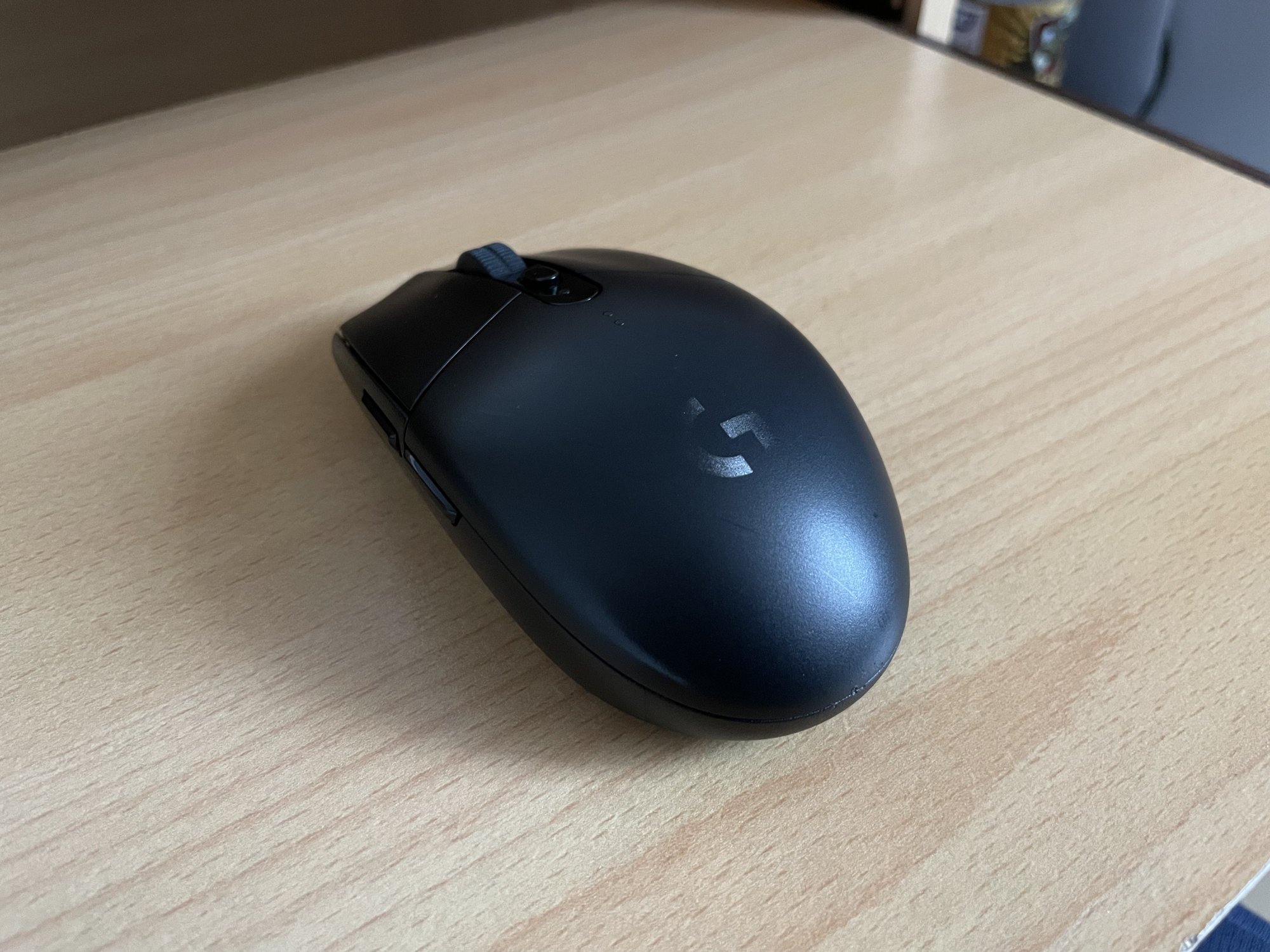
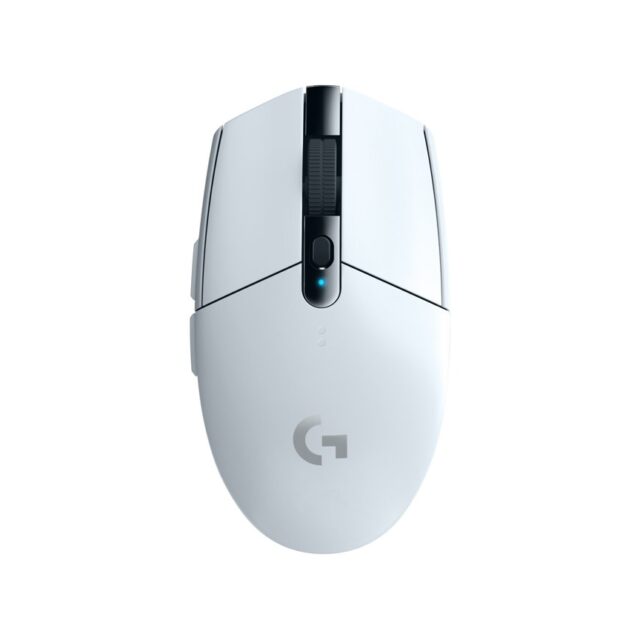
The G305 is the odd one out here because it’s the only wireless mouse of the three, and it doesn’t charge you much extra for the privilege. Logitech’s LIGHTSPEED connection runs at a 1ms report rate through a tiny USB receiver that tucks inside the mouse when you’re travelling. It runs on a single AA battery, which Logitech rates at up to 250 hours of continuous play, and an Endurance mode in its G HUB software stretches that to as much as nine months.
At 99g with the battery in, it’s light and nimble, and the compact, symmetrical shell suits smaller hands and claw or fingertip grips. The trade-off is fewer controls: six programmable buttons, no RGB to speak of, and a sensor that tops out at 12,000 DPI. In practice that’s still far more sensitivity than most people ever use, so it’s not much of a sacrifice.
Pros: wireless with low latency, long battery life, light, small enough to travel. Cons: only six buttons, uses AA batteries rather than a rechargeable cell, may feel small in big hands.
Who it suits: laptop gamers, anyone who hates cable drag, and people after one mouse for work and play.
Logitech G502 HERO: the button-packed all-rounder
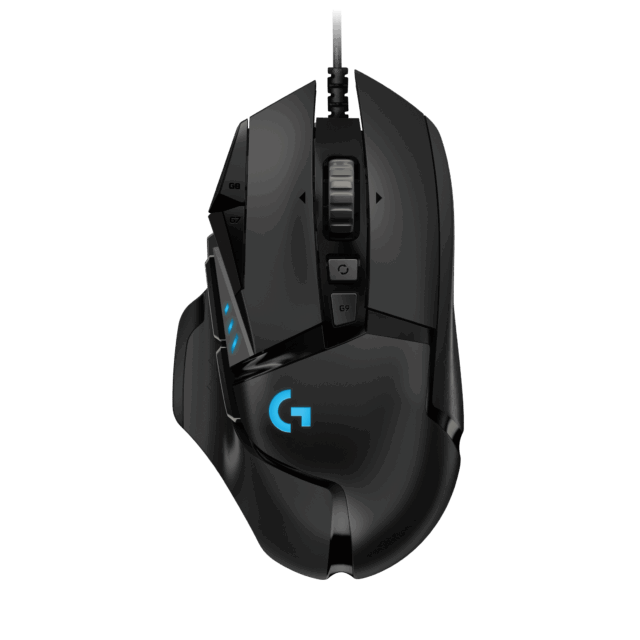
The G502 has been one of the best-selling gaming mice going for years, and the HERO version keeps the formula. You get 11 programmable buttons, including a sniper button under your thumb, and a scroll wheel that flips between notched clicks and free-spinning, which is handy for long web pages and spreadsheets as well as games.
Its party trick is weight tuning. The mouse weighs 121g on its own, and Logitech includes five 3.6g weights that slot into the base, taking it up to 139g. If you like a mouse with a bit of heft and stability, few rivals at this price let you fine-tune it like that. The HERO 25K sensor goes from 100 to 25,600 DPI, and up to five profiles save straight to the mouse so your settings follow you between PCs.
Pros: loads of buttons, adjustable weight, versatile scroll wheel, onboard profiles. Cons: heavy compared with modern lightweight mice, wired only at this price, the sculpted shape is right-handed only.
Who it suits: MMO and strategy players who want shortcuts under their fingers, and anyone who prefers a heavier, planted feel.
Razer Basilisk V3: comfort and the cleverest scroll wheel
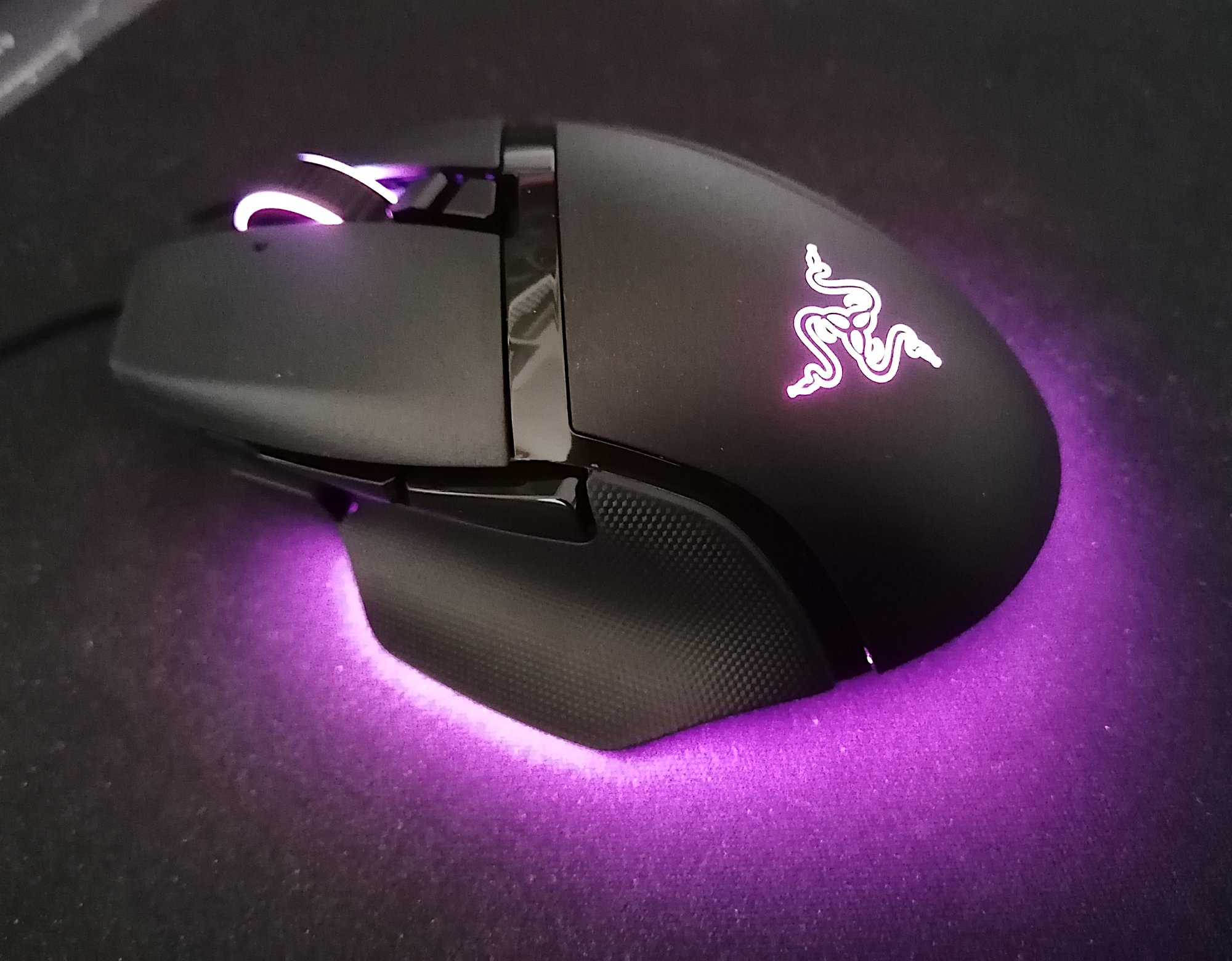
Razer’s Basilisk V3 goes after a similar crowd to the G502 but takes a different route. Its ergonomic, right-handed body has a proper thumb rest, which is a big plus for long sessions. It also has 11 programmable buttons, including a multi-function paddle on the side that you can set for push-to-talk or a sensitivity clutch.
The standout is the HyperScroll tilt wheel. It tilts left and right, and switches electronically between tactile, notched scrolling and free-spin. Razer’s Focus+ sensor reaches 26,000 DPI and 650 IPS on paper, and its second-generation optical switches are rated for 70 million clicks. At 101g it’s noticeably lighter than the G502, and its 11 lighting zones, including underglow, make it the showiest mouse here if you like RGB.
Pros: comfortable thumb rest, excellent tilting scroll wheel, durable optical switches, lighter than the G502. Cons: wired only, right-handed only, no weight adjustment, and you’ll want Razer Synapse installed to set it up properly.
Who it suits: right-handed players who game for hours at a time and want comfort first.
Which should you buy?
Start with the cable. If you game on a laptop, move between rooms or simply can’t stand a wire snagging on your desk, the G305 makes the decision easy, and it’s hard to find wireless this dependable for the money.
If you’re sat at a desktop PC and want more control, it comes down to shape. Hold the G502 if you can: it’s heavier, more angular and endlessly tweakable. The Basilisk V3 is lighter and more rounded with a thumb rest that many people find more comfortable over long sessions. Both have 11 buttons and five onboard profiles, so neither will leave you short of shortcuts.
One practical tip whichever you pick: turn off “Enhance pointer precision” in Windows mouse settings, as Razer itself advises, so your aim isn’t fighting Windows’ acceleration. And if you’re kitting out a full setup, our guides to the best gaming headsets for Xbox and PC and the best RAM and storage upgrades for your gaming PC are a good next stop.
Shop the picks
All three mice are available from the TrueNorth Tech X shop:
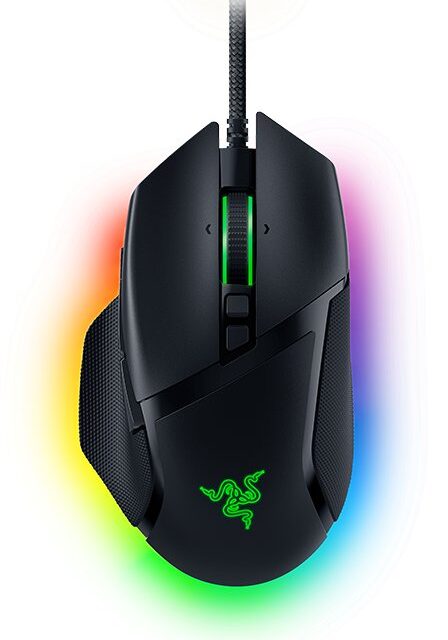
Featured image: Razer Basilisk V3 by Chaddy, Wikimedia Commons, CC BY-SA 4.0.
[…] about your mouse. A TKL keyboard pairs well with a large mouse mat and low sensitivity. Our Logitech G305 vs G502 HERO vs Razer Basilisk V3 comparison can help you choose a mouse to go with […]